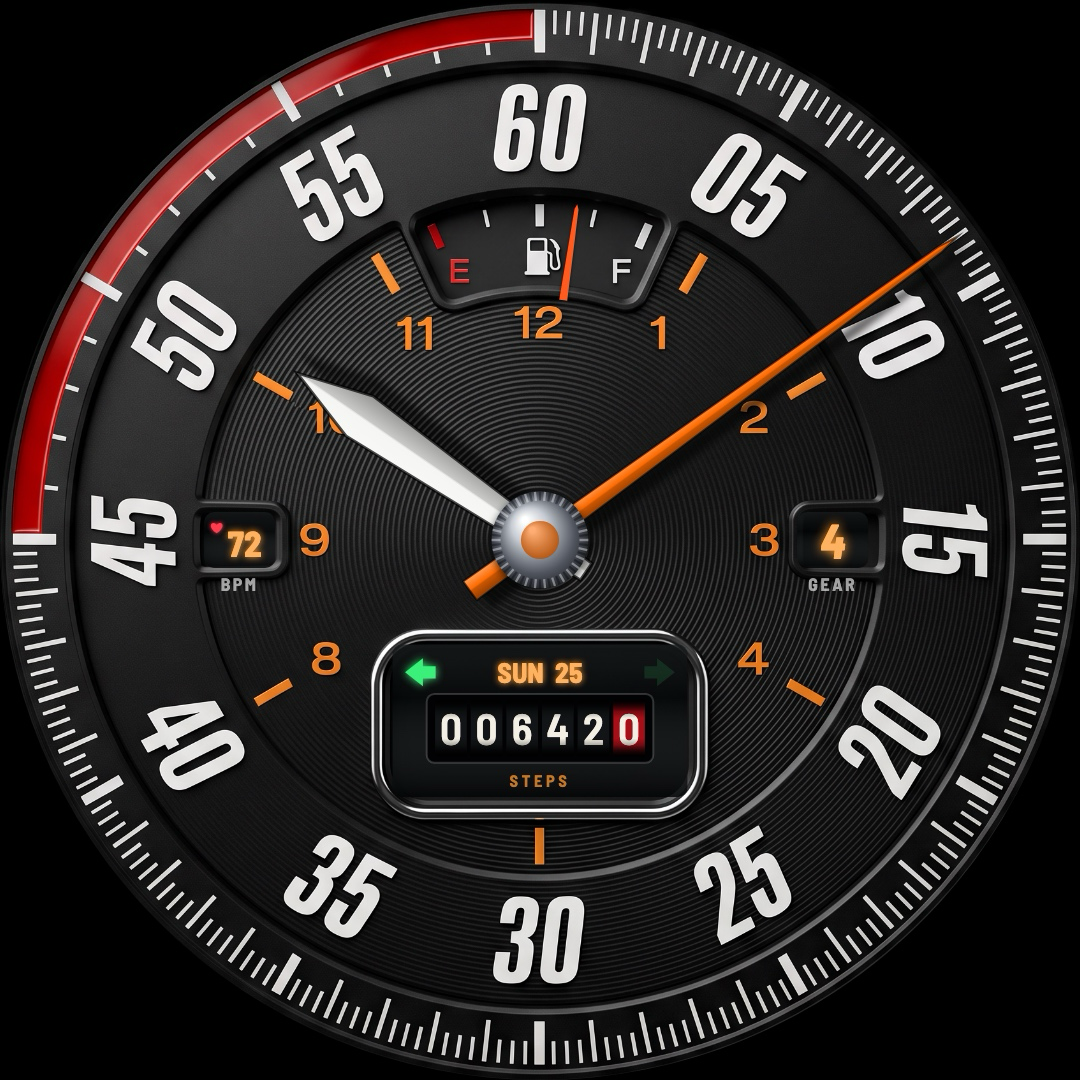
A car speedometer dial with battery as fuel, steps on the odometer and a tap-to-replay startup sweep.
Original watch faces for Wear OS
Small screen.
Big personality.
Cute pets, car dashboards, classic dials and seasonal watch faces for Wear OS. Preview each design, then make it yours on Google Play.
One-time purchases on Google Play.
◷ Designed for Wear OS✳ Customizable designs and watch data↗ 10 available on Google Play
The collection / 10 faces
Find your Wear OS watch face.
Choose a pet, a car, a classic dial
or a seasonal design.
10 watch faces shown.
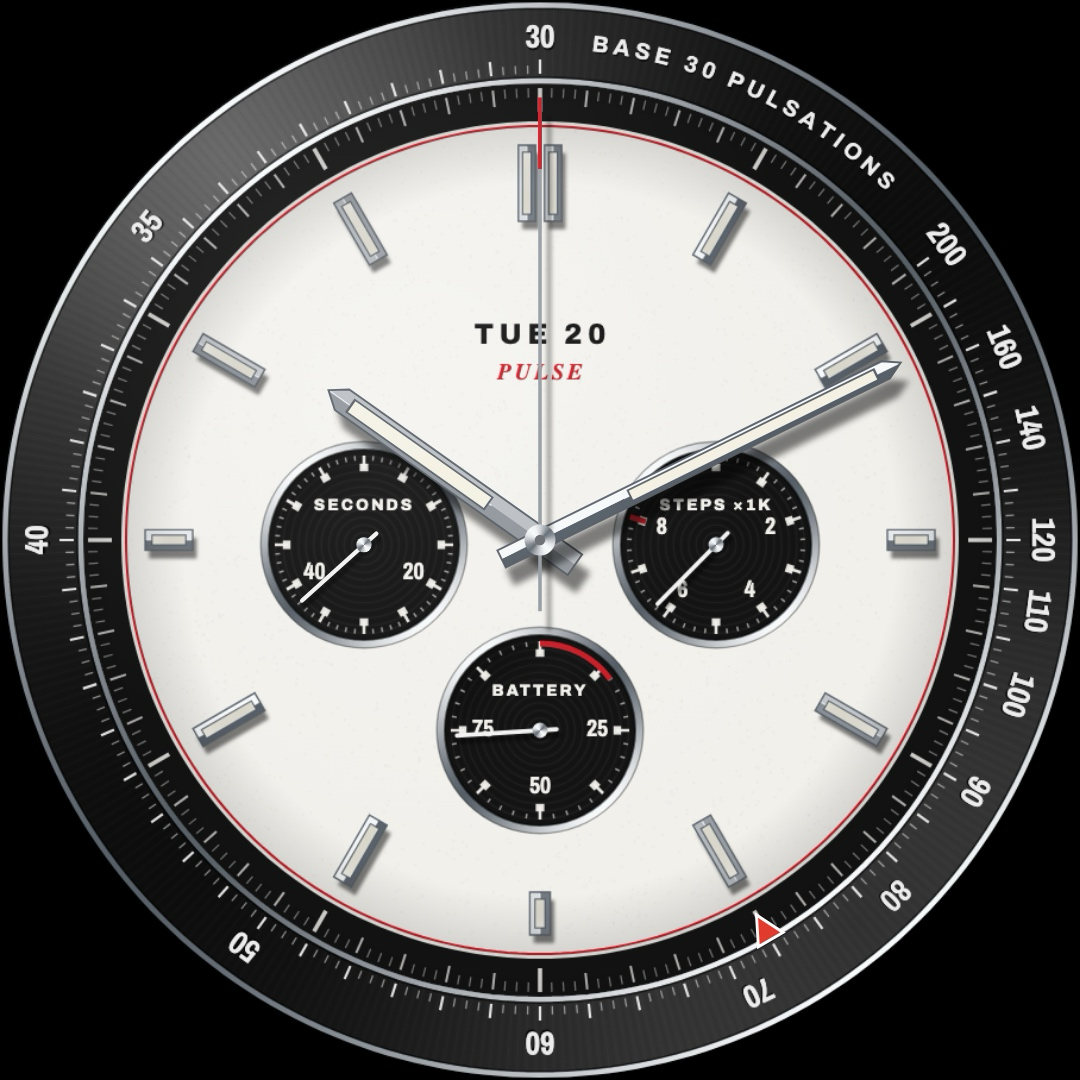
A panda chronograph-style dial with six colorways, three working subdials and luminous always-on hands.
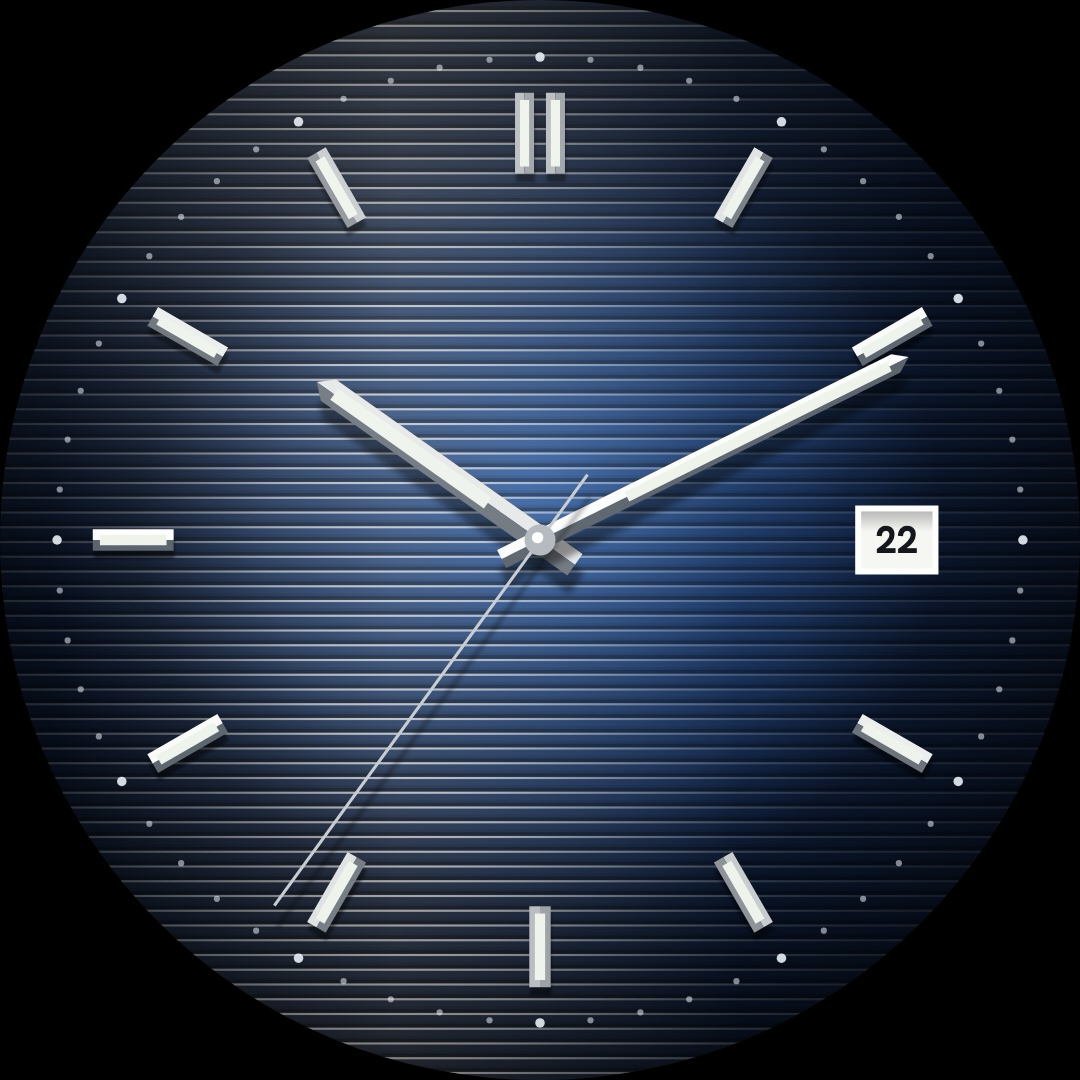
A striped analog dial with six colors, shifting daylight and daily data revealed with a tap.
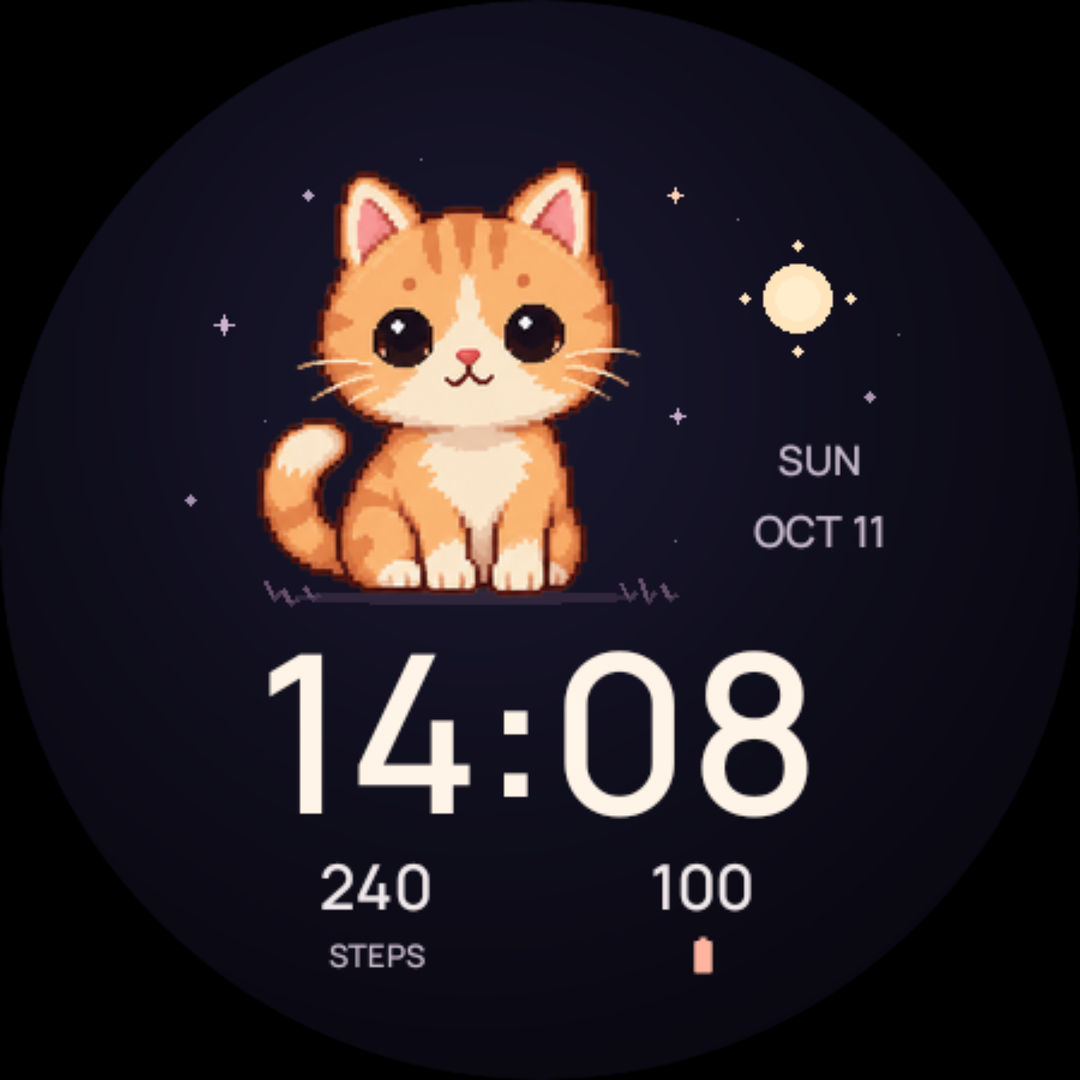
A cute cat, puppy or bunny watch face, with five backgrounds and poses that follow your day.
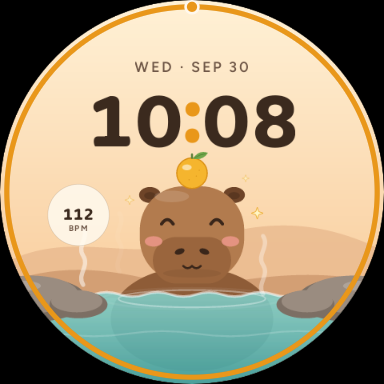
A capybara watch face with hot-spring and meadow scenes, analog or digital time, and a tap-to-wiggle hello.
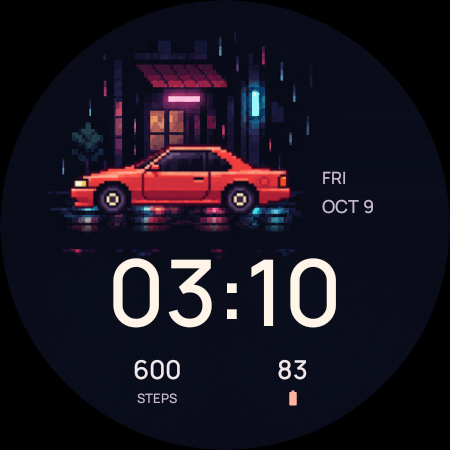
A neon car watch face with five pixel-art cars, three night scenes and a pitch-black dial option.
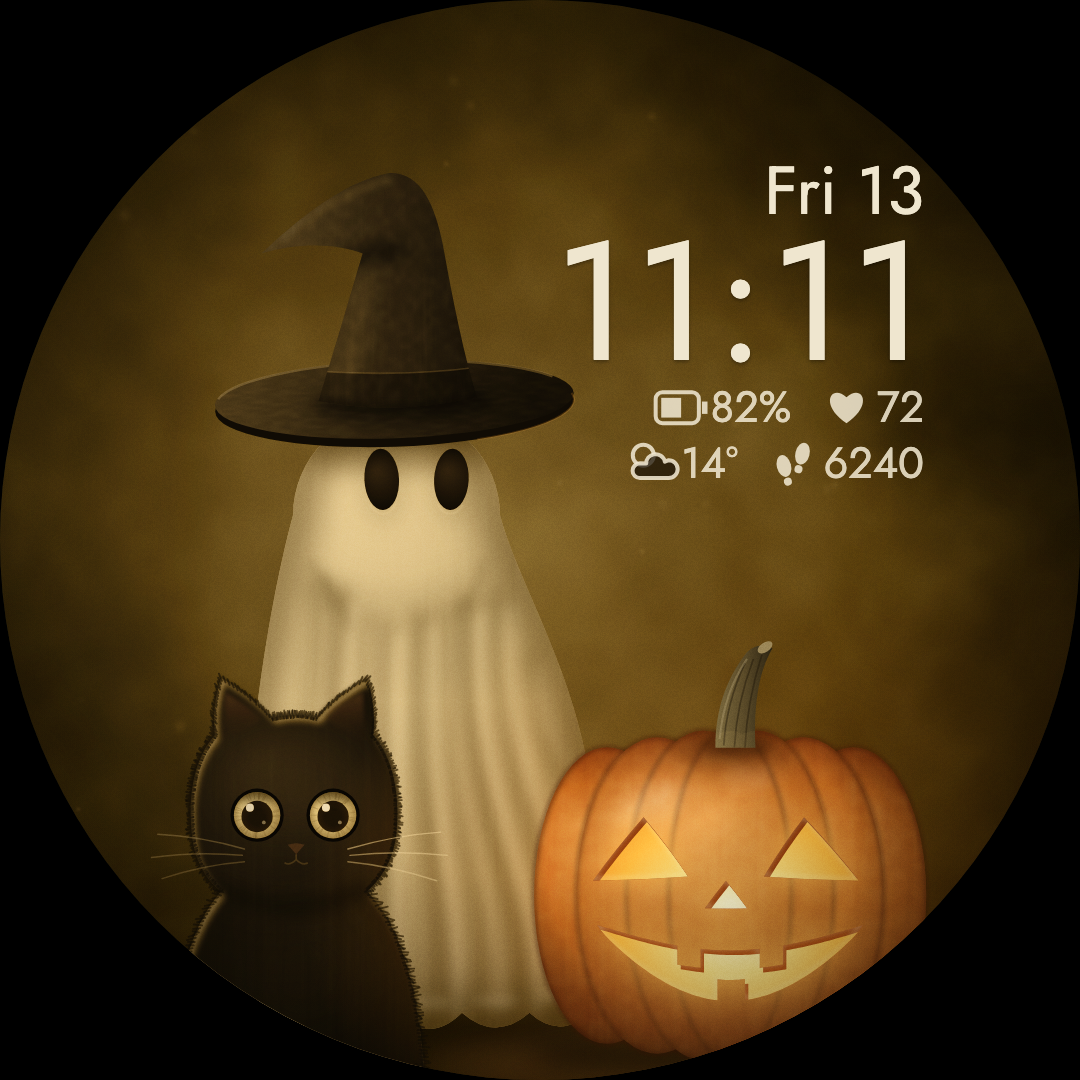
A Halloween watch face with a friendly ghost, black cat and glowing pumpkin. Five color moods and tap reactions.
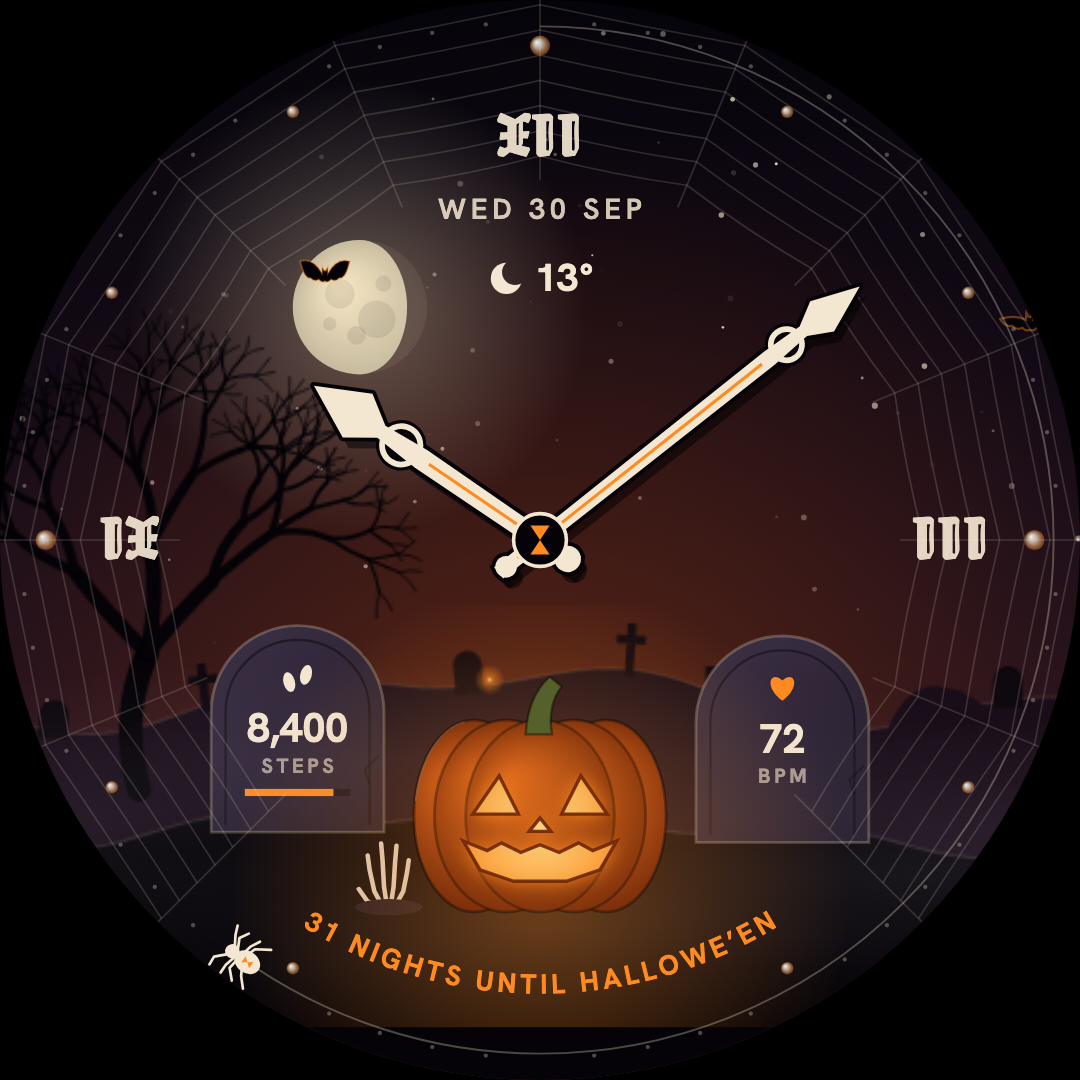
A pumpkin Halloween watch face with moon phase, a countdown, and analog or digital time.
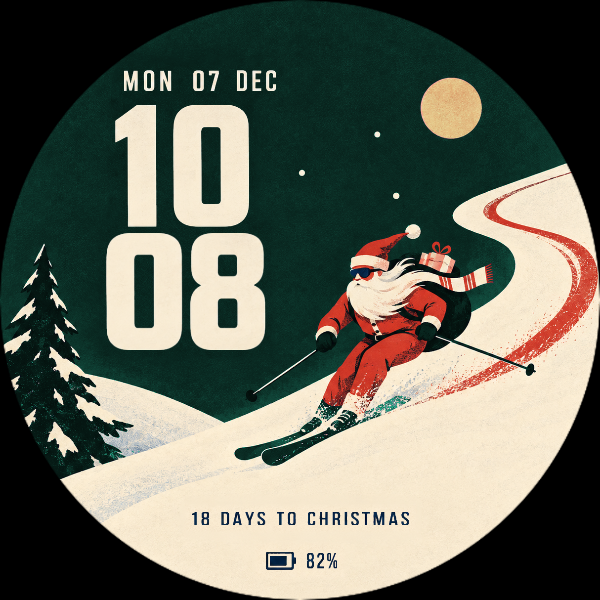
An animated Christmas watch face with skiing Santa, four winter palettes and an optional countdown.
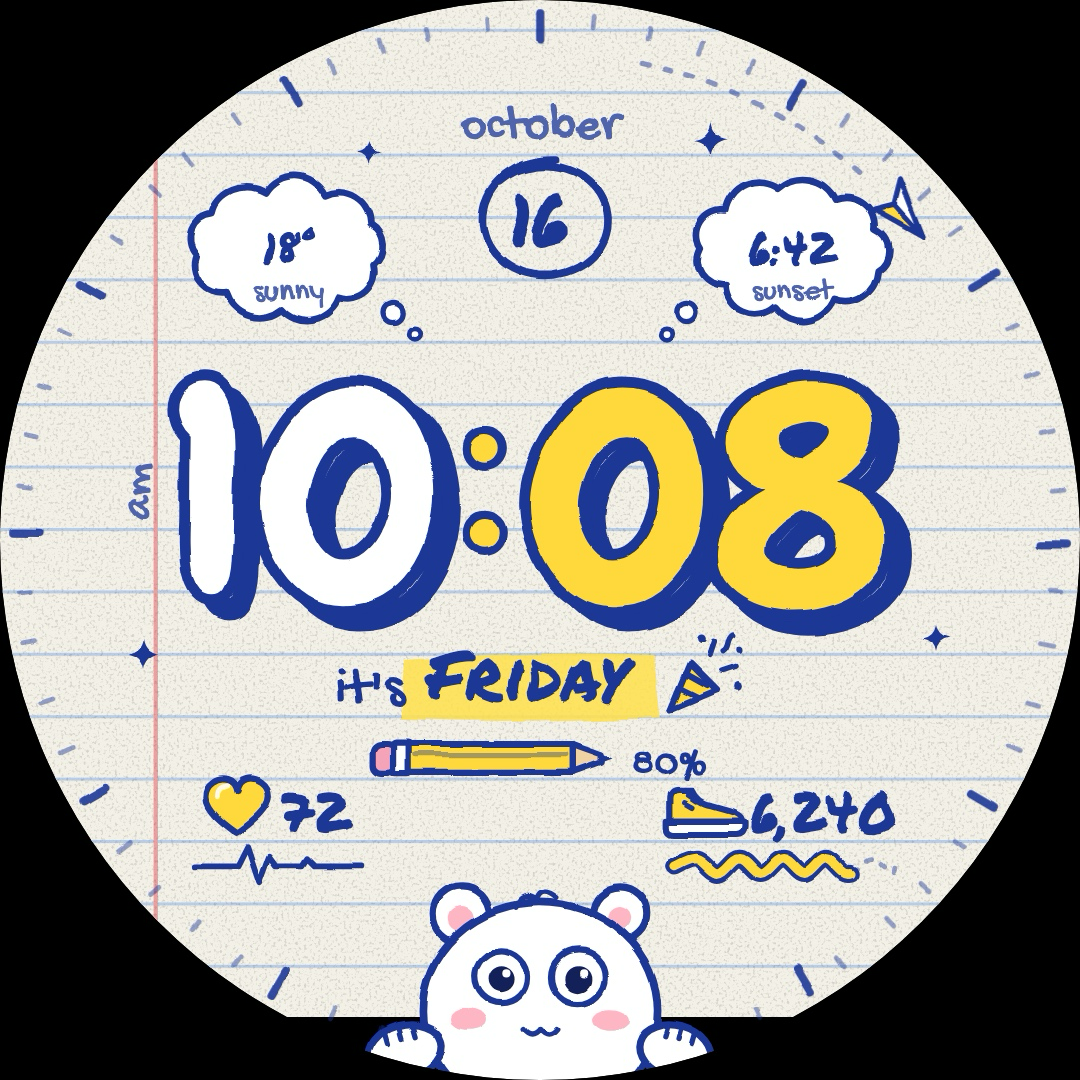
A hand-drawn doodle watch face with bubble-letter time, six marker sets and a peeking friend who waves.
Each face is a separate purchase. See your local price and watch compatibility on Google Play.
The winter edit / Seasonal watch faces
A small dose
of winter wonder.
Meet Snow Club: skiing Santa, four winter palettes and an optional Christmas countdown. Choose your motion setting, then tap Santa to replay his run.
Explore Christmas watch faces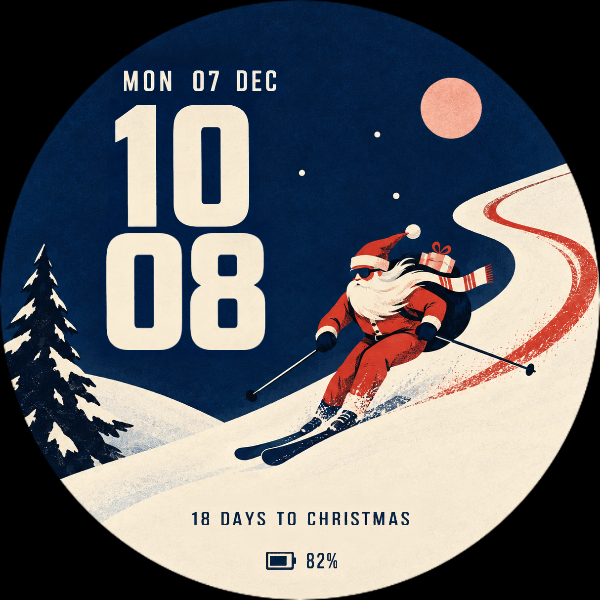
From here to your wrist
How to install your watch face.
01 /
Find your face.
Explore the artwork, preview the included looks, and check the Wear OS version.
02 /
Get it on Google Play.
See your local price, select your compatible watch, and purchase securely through Google Play.
03 /
Make it your own.
Select the face on your watch. Long-press, choose Edit, and find your favorite combination.
Good to know
Before it finds
your wrist.
A few useful things to know before you choose.
Will these work with my Galaxy Watch or Pixel Watch?
These faces are for compatible Samsung Galaxy Watch, Google Pixel Watch and other Wear OS watches. The required version is listed on each product page: Wear OS 4 or later for some faces, Wear OS 5 or later for others. Check your connected watch on Google Play before buying.
How do I install a watch face?
Open the face’s Google Play listing, choose your compatible watch, and complete the purchase. After it installs, open your watch face gallery and select the new face. Long-press the face to find Edit or Customize; wording varies by watch.
Can I use them on an Apple Watch?
The current collection is for Wear OS. These faces do not work on Apple Watch or older Samsung watches running Tizen.
Where can I see the price?
The Google Play listing shows the current price for your country and account. Each watch face is purchased separately through Google Play.