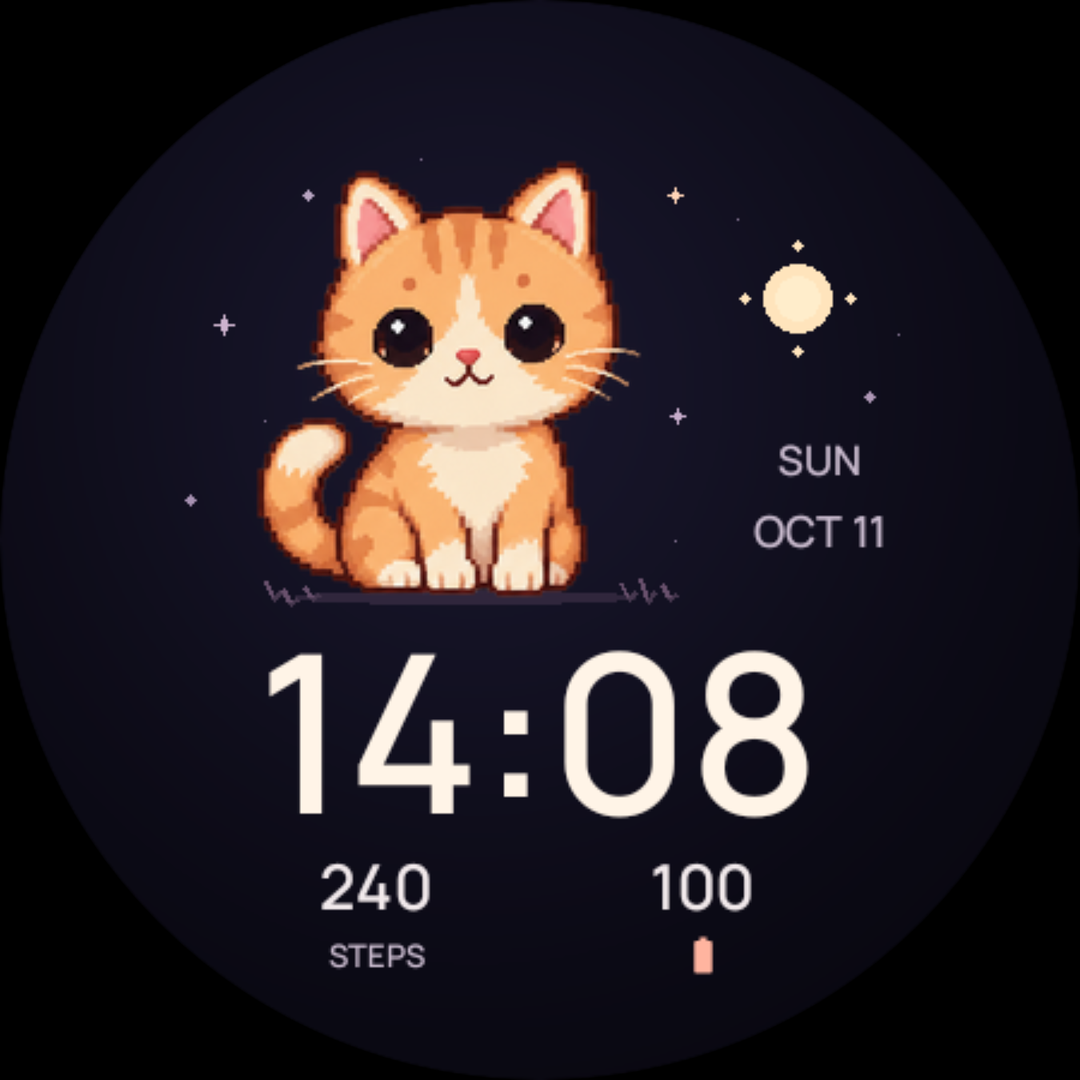
A kitten, a puppy, a bunny. A little company for every part of your day.
CUTE & COZY / WEAR OS 5+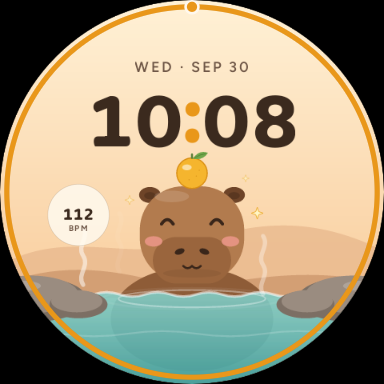 Artwork from the actual watch face.
Artwork from the actual watch face.Preview: Happy capybara in a warm onsen
Cute & cozy / Vivid collection
Capy Onsen
A calm capybara watch face for Wear OS
Take the scenic route through your day. Your capybara soaks in a warm onsen or relaxes in a meadow, with little moods and visitors that make each glance feel different.
2capybara designs
8scenes
3data slots
Get it on Google Play
One-time purchase · Local price shown on Google Play
Need a hand? Installation guide · App privacy
Requires Wear OS 5 or later. Google Play checks your watch’s compatibility before purchase.
The little details
More to love.
Every time you look.
A soak or a stroll.
Choose a yuzu hot spring or a meadow with little bird visitors. Each design has four scenes.
Moods that follow your day.
Your companion gets happy, sleepy or settles in for the night. The meadow also has a rainy-day leaf umbrella.
Your kind of time.
Choose a digital or analog clock, then set the complications you want to see.
A small hello.
Tap the capybara for an ear wiggle. A separate always-on mode keeps the display simple at rest.
Make yourself at home
Ready for
your wrist?
Install from Google Play, then make it yours.
Will these work with my watch?
Our watch faces are made for Wear OS. Some require Wear OS 4 or later, others Wear OS 5 or later—check the version on each product page. Google Play shows whether your connected watch is compatible.
How do I install a watch face?
Open the face’s Google Play listing, choose your compatible watch, and complete the purchase. After it installs, open your watch face gallery and select the new face. Long-press the face to find Edit or Customize; wording varies by watch.
Can I use them on an Apple Watch?
The current collection is for Wear OS. These faces do not work on Apple Watch or older Samsung watches running Tizen.
Where can I see the price?
The Google Play listing shows the current price for your country and account. Each watch face is purchased separately through Google Play.
A different kind of day
You might also love.
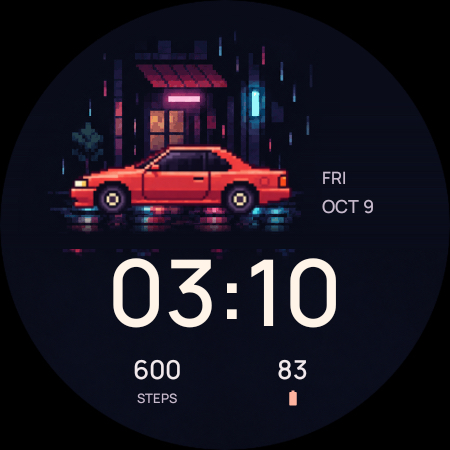
A quiet night drive. Pixel-art cars, neon light, and a rain-soaked street.
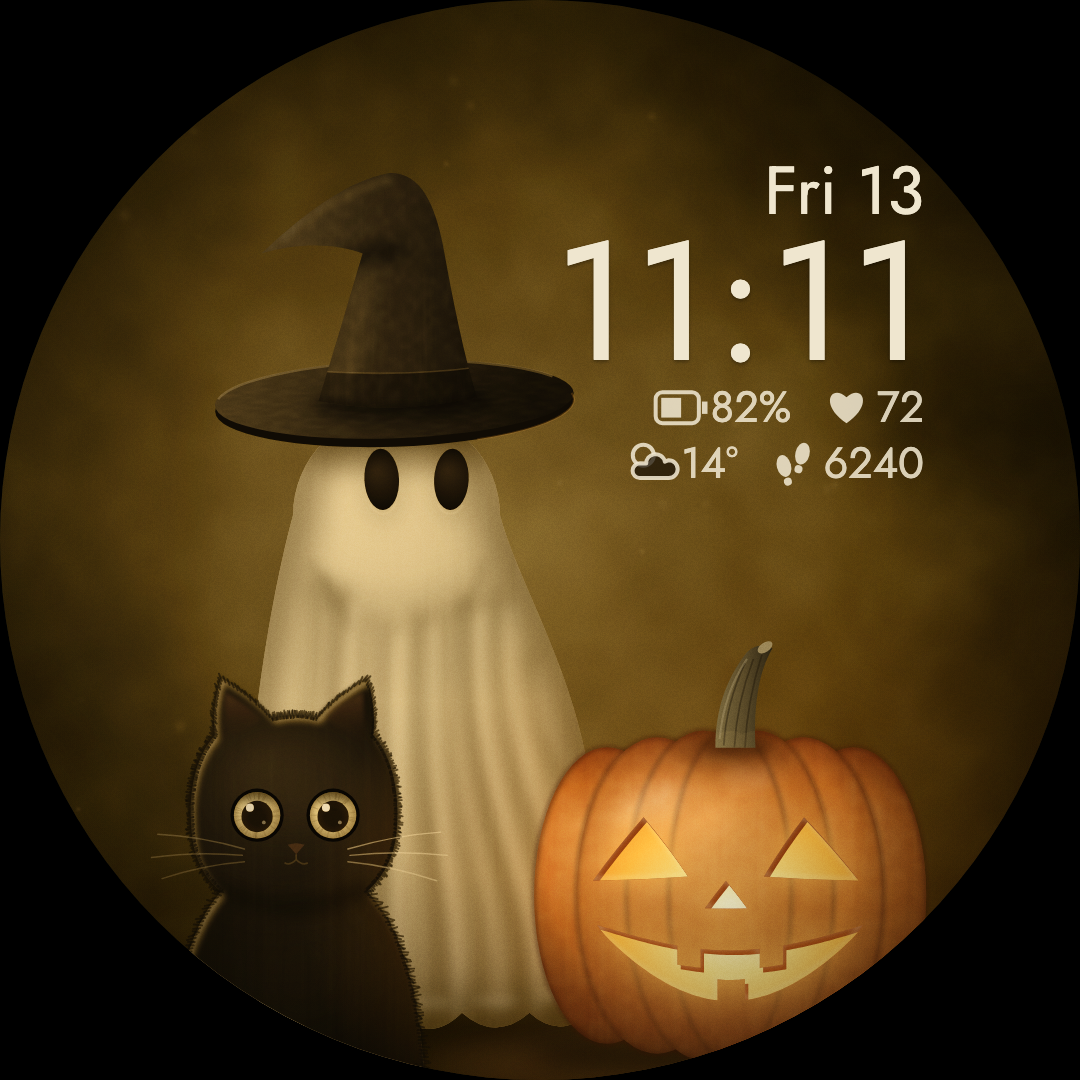
A friendly ghost, a curious black cat, and a pumpkin with a warm glow.