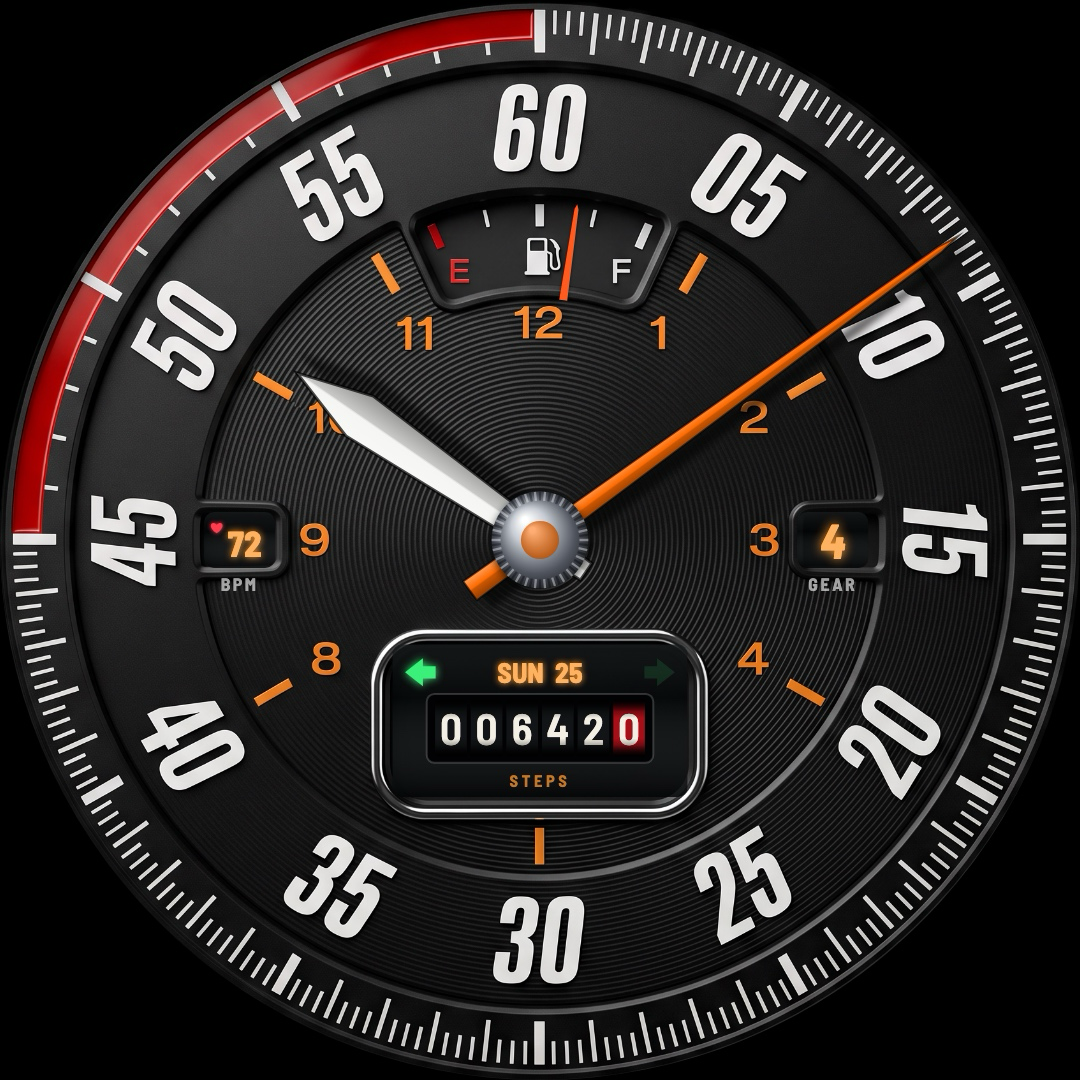
A car speedometer dial with battery as fuel, steps on the odometer and a tap-to-replay startup sweep.
CARS & NEON / WEAR OS 4+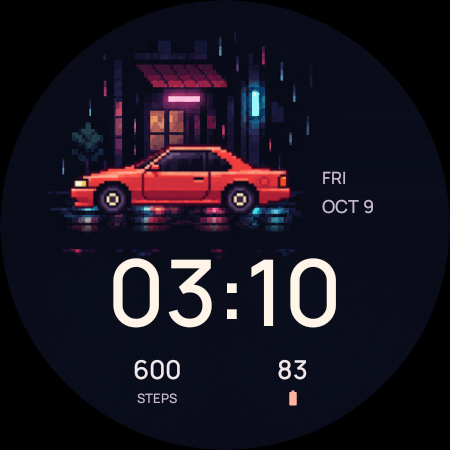 Artwork from the actual watch face.
Preview: Coral coupe in Rainy Street with a midnight navy dial
Cars & neon / Vivid collection
Rainy Ride
Neon car watch face for Wear OS
Bring a JDM-inspired neon street to your Wear OS watch. Choose from five pixel-art cars and three night scenes, then tap the artwork for a four-second animation. Select a midnight-navy or pitch-black dial and customize two data slots.
5car styles
3night scenes
2editable data slots
Get it on Google Play
One-time purchase · Local price shown on Google Play
On Google Play: Rainy Ride: JDM Car Watch Face
Watch the video preview ↓Need a hand? Installation guide · App privacy
Requires Wear OS 4 or later. Google Play checks your watch’s compatibility before purchase.
The little details
Included designs
and features.
Five ways to ride.
Choose a coral coupe, cream sedan, classic 4x4, cobalt hatch or gold roadster. Every car is included.
Find your night scene.
Pair your car with Rainy Street, Lantern Alley or Moonlit Coast. Choose midnight navy or a pitch-black dial.
A little atmosphere.
Tap anywhere on the artwork to replay a four-second scene animation. A separate always-on view keeps the clock simple at rest.
Your everyday essentials.
A clear digital clock, date and two editable data slots. Steps and watch battery are the defaults; choose other supported complications in the editor.
Watch the preview
Take a drive through the collection.
See Rainy Ride’s pixel-art cars, neon scenes and short rain animation.
Promotional preview with music and sound effects added for the video. Watch data is illustrative.
Watch the preview
See the scene respond.
Tap the artwork to replay a short animation. This recording shows Moonlit Coast with the classic 4×4.
Recorded in a Wear OS emulator. The circle marks a tap; time and watch data vary on your device. Playback has no sound.
Make yourself at home
Installation
and compatibility.
Install from Google Play, then make it yours.
Will these work with my Galaxy Watch or Pixel Watch?
These faces are for compatible Samsung Galaxy Watch, Google Pixel Watch and other Wear OS watches. The required version is listed on each product page: Wear OS 4 or later for some faces, Wear OS 5 or later for others. Check your connected watch on Google Play before buying.
How do I install a watch face?
Open the face’s Google Play listing, choose your compatible watch, and complete the purchase. After it installs, open your watch face gallery and select the new face. Long-press the face to find Edit or Customize; wording varies by watch.
Can I use them on an Apple Watch?
The current collection is for Wear OS. These faces do not work on Apple Watch or older Samsung watches running Tizen.
Where can I see the price?
The Google Play listing shows the current price for your country and account. Each watch face is purchased separately through Google Play.
A different kind of day
More watch faces to explore.
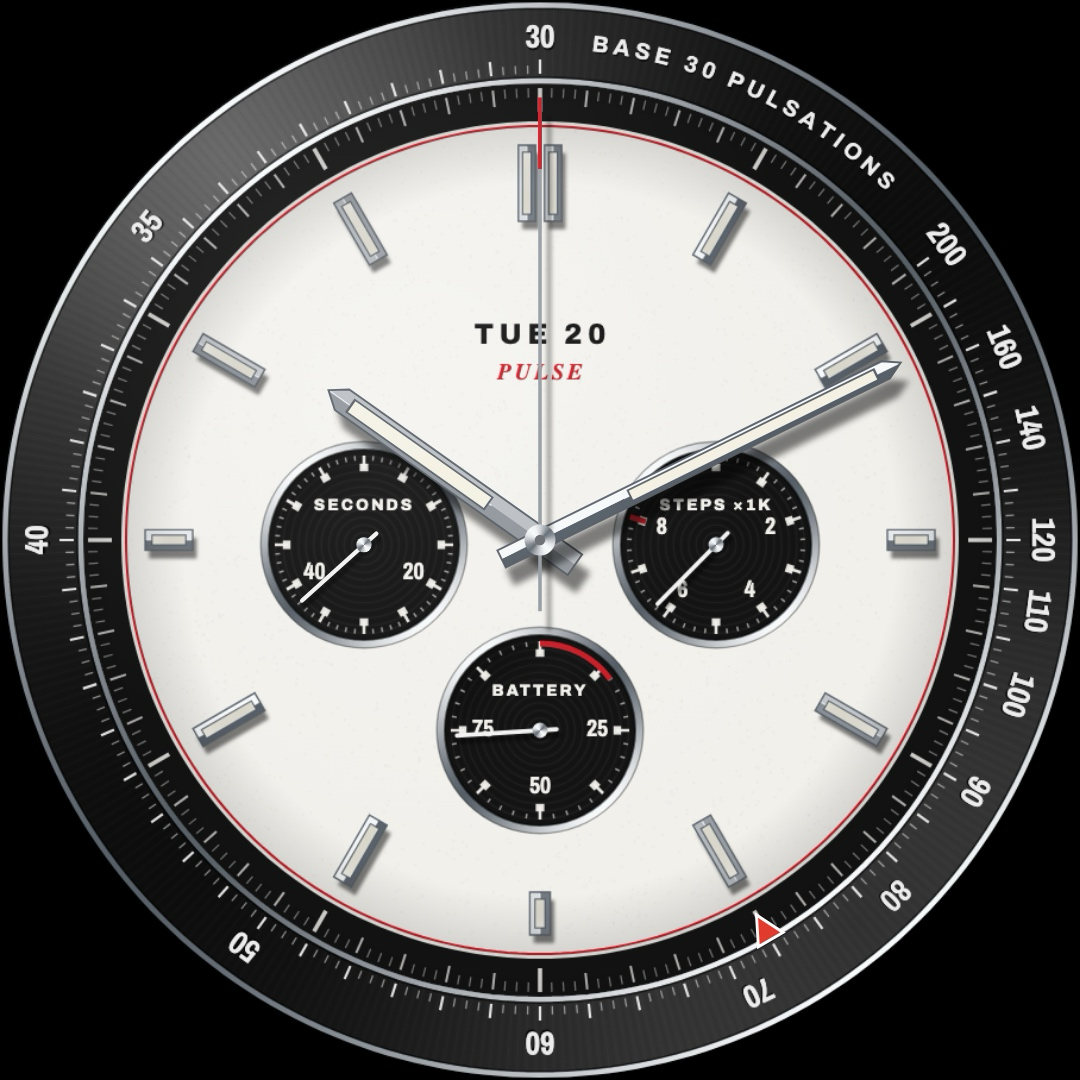
A panda chronograph-style dial with six colorways, three working subdials and luminous always-on hands.
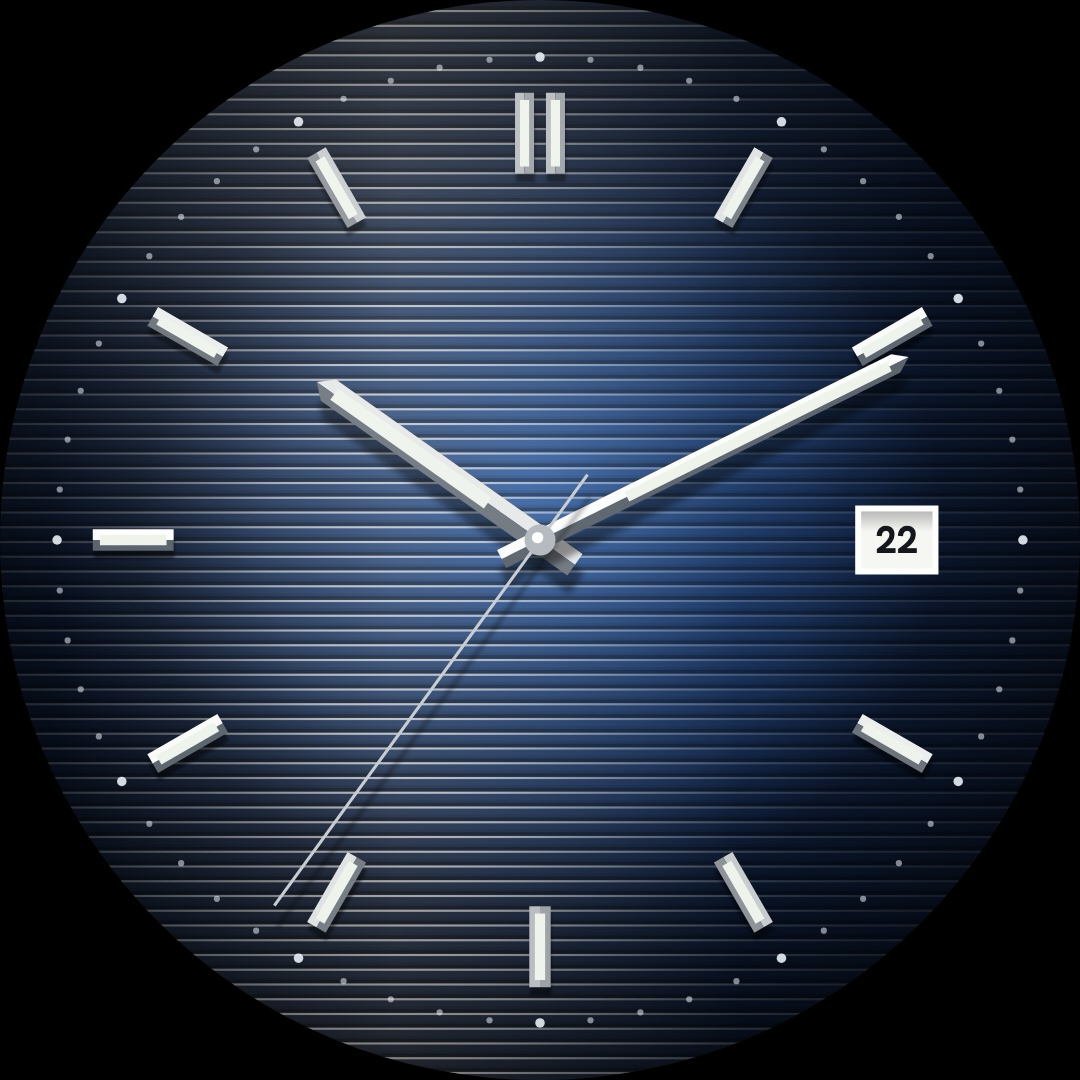
A striped analog dial with six colors, shifting daylight and daily data revealed with a tap.