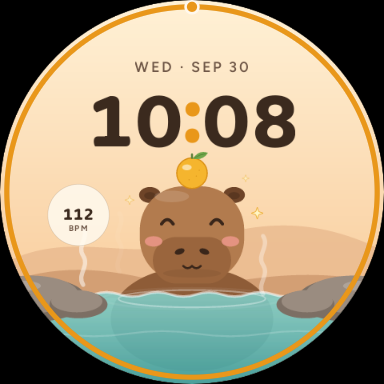
A capybara watch face with hot-spring and meadow scenes, analog or digital time, and a tap-to-wiggle hello.
CUTE & COZY / WEAR OS 4+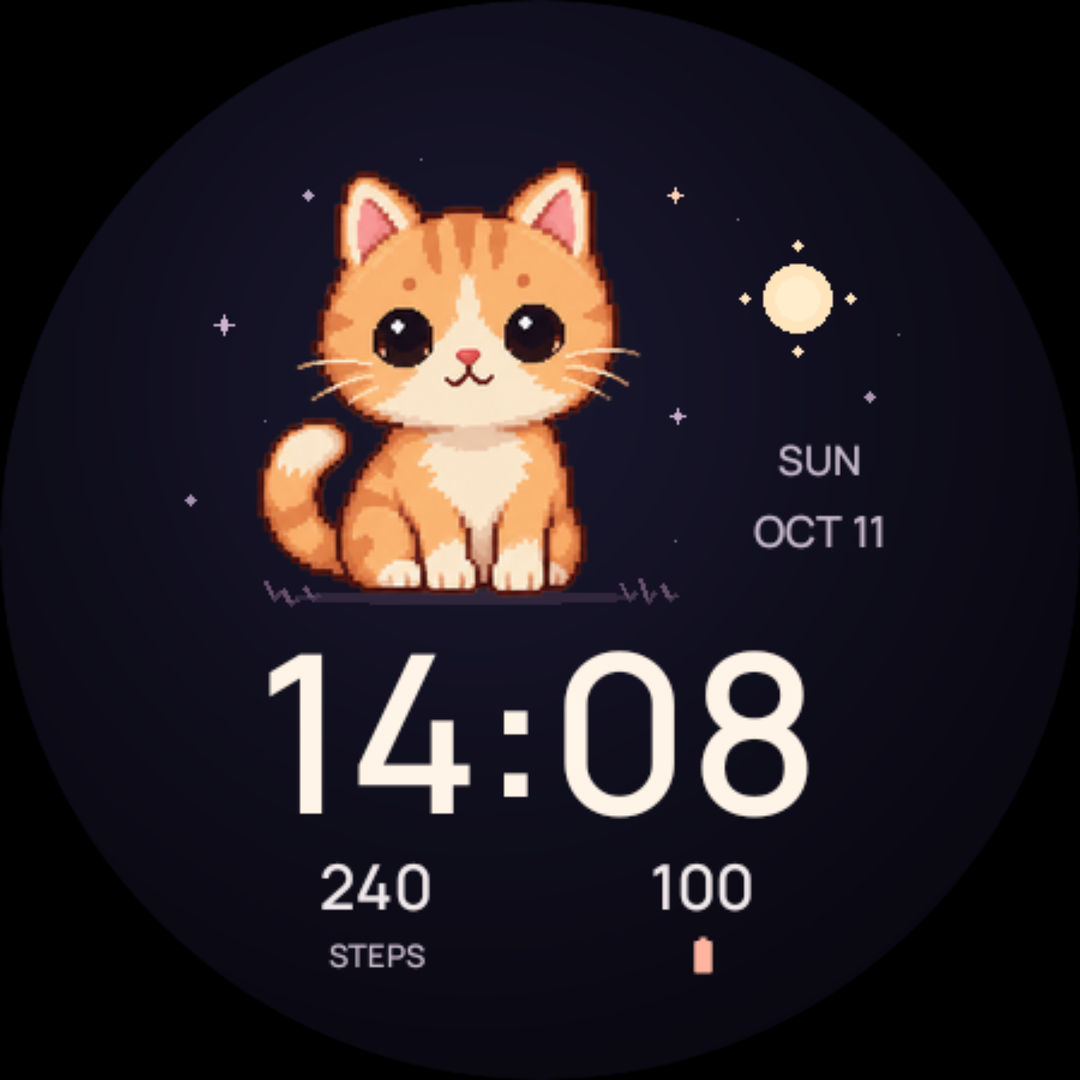 Artwork from the actual watch face.
Preview: Kitten with the Living sky background
Cute & cozy / Vivid collection
Tiny Cat
Cute pet watch face for Wear OS
Choose a kitten, puppy or bunny for your Wear OS watch, then pair it with one of five backgrounds. Pet poses change at scheduled times through the day, with large digital time and two editable data slots.
3little companions
5backgrounds
2custom data slots
Get it on Google Play
One-time purchase · Local price shown on Google Play
On Google Play: Tiny Cat: Cute Watch Face
Watch the video preview ↓Need a hand? Installation guide · App privacy
Requires Wear OS 4 or later. Google Play checks your watch’s compatibility before purchase.
The little details
Included designs
and features.
Three pets. Your favorite company.
Choose an orange kitten, a floppy-eared puppy or a soft little bunny. All three are included.
A backdrop for your mood.
Five backgrounds, three accent palettes, and automatic or fixed pet poses. Mix the options in your watch’s editor.
Useful, at a glance.
Large digital time, a clear date and two editable data slots. Steps and watch battery are shown by default.
Quiet when you need it.
A separate always-on display shows time and date on black. Pet poses change at scheduled times; there is no continuous animation.
Watch the preview
Meet your little companion.
See Tiny Cat’s kitten, puppy and bunny, included backgrounds and watch data.
Promotional preview with music. Pet poses change at scheduled times; there is no continuous pet animation.
Make yourself at home
Installation
and compatibility.
Install from Google Play, then make it yours.
Is Tiny Cat free?
Tiny Cat is a paid watch face, purchased once through Google Play. There is no subscription. Google Play shows the current price for your country and account before you buy.
Will these work with my Galaxy Watch or Pixel Watch?
These faces are for compatible Samsung Galaxy Watch, Google Pixel Watch and other Wear OS watches. The required version is listed on each product page: Wear OS 4 or later for some faces, Wear OS 5 or later for others. Check your connected watch on Google Play before buying.
How do I install a watch face?
Open the face’s Google Play listing, choose your compatible watch, and complete the purchase. After it installs, open your watch face gallery and select the new face. Long-press the face to find Edit or Customize; wording varies by watch.
Can I use them on an Apple Watch?
The current collection is for Wear OS. These faces do not work on Apple Watch or older Samsung watches running Tizen.
Where can I see the price?
The Google Play listing shows the current price for your country and account. Each watch face is purchased separately through Google Play.
A different kind of day
More watch faces to explore.
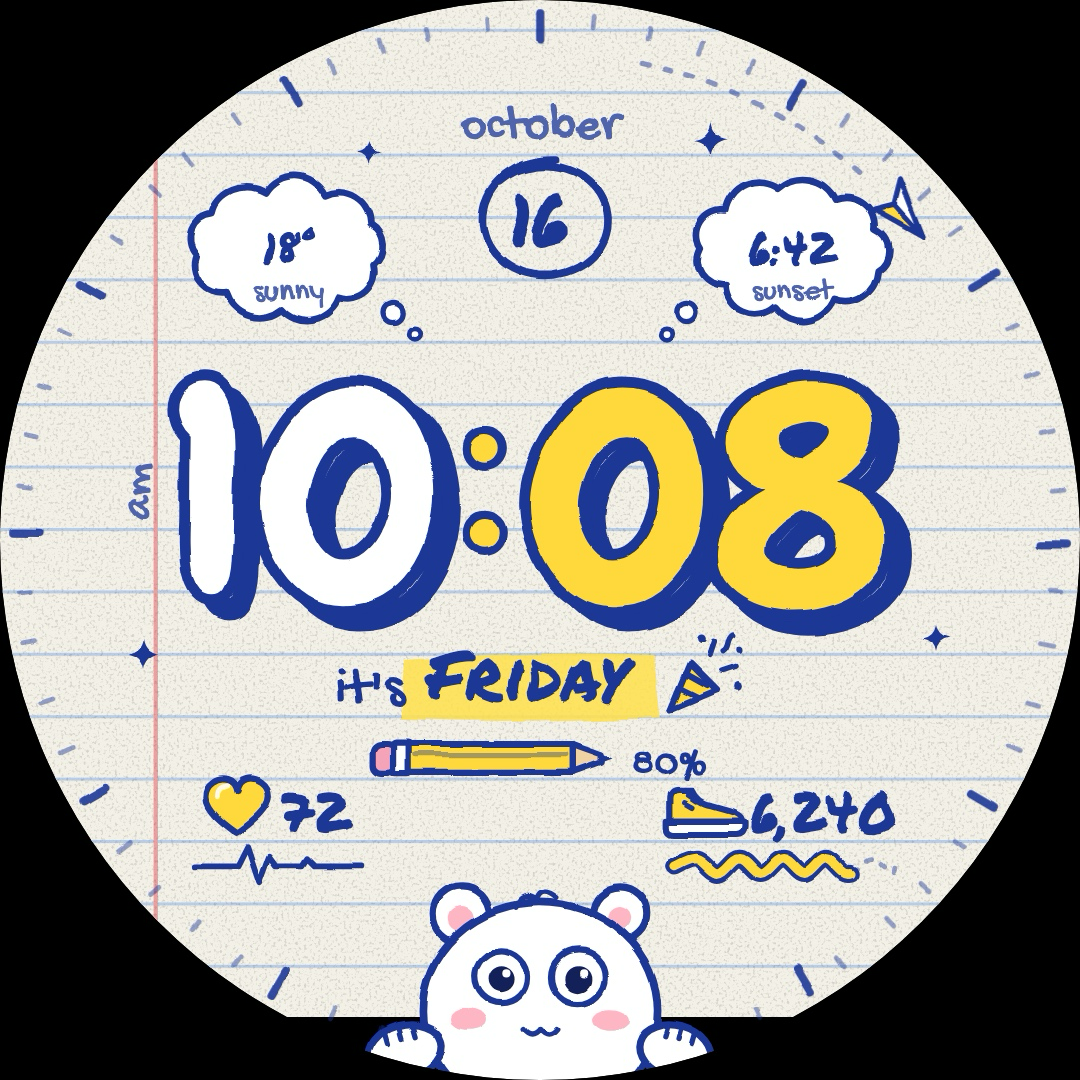
A hand-drawn doodle watch face with bubble-letter time, six marker sets and a peeking friend who waves.
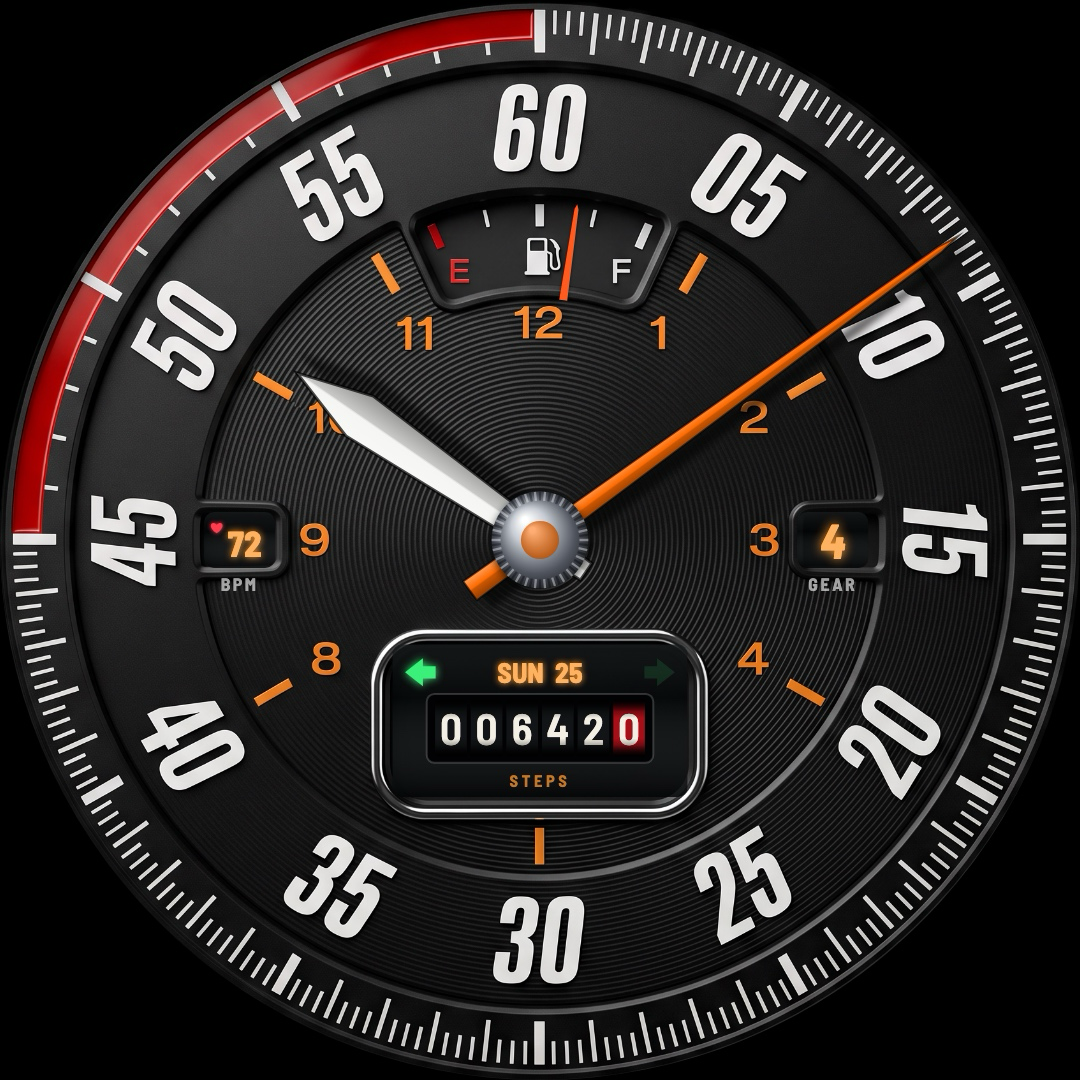
A car speedometer dial with battery as fuel, steps on the odometer and a tap-to-replay startup sweep.