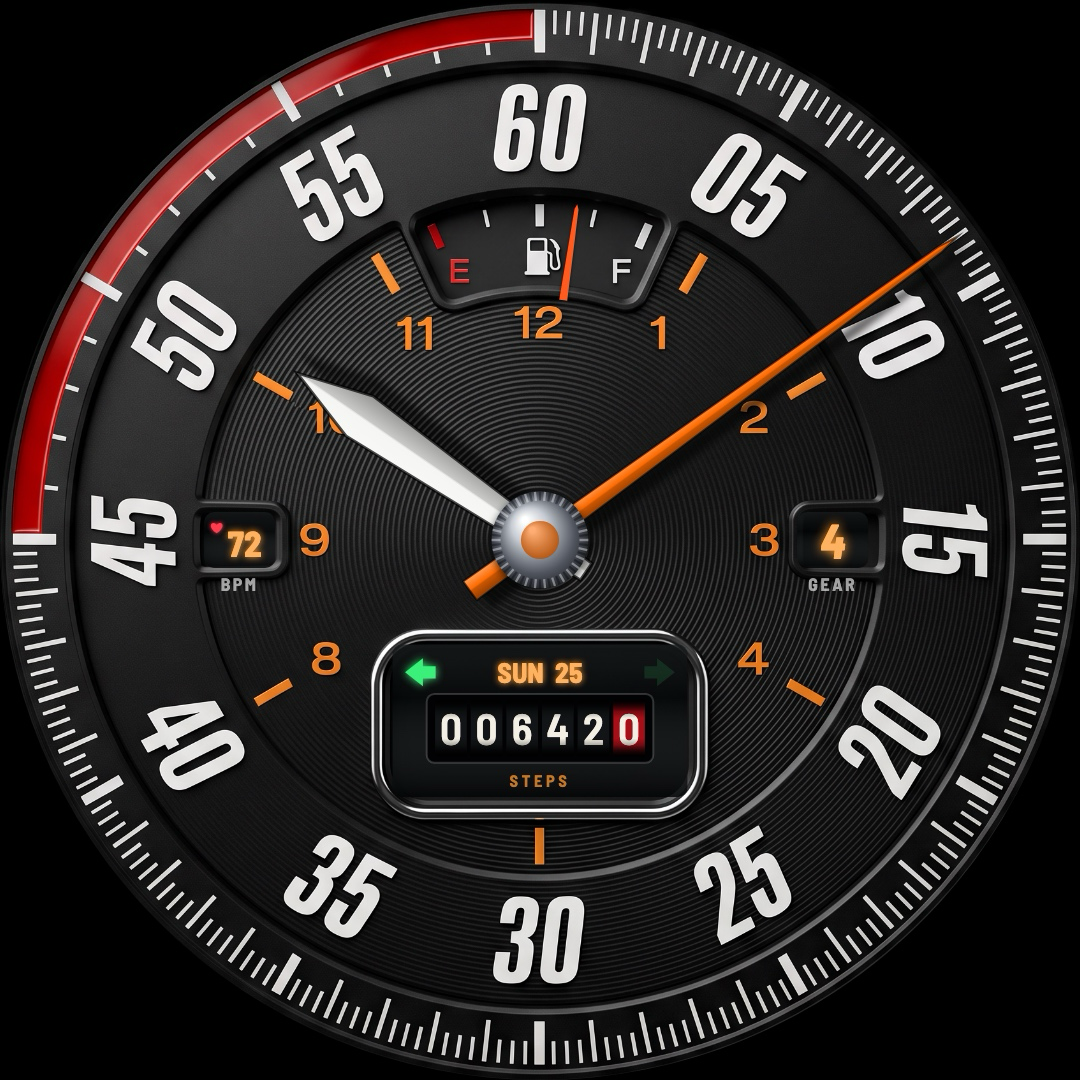
A car speedometer dial with battery as fuel, steps on the odometer and a tap-to-replay startup sweep.
CHRISTMAS / WEAR OS 4+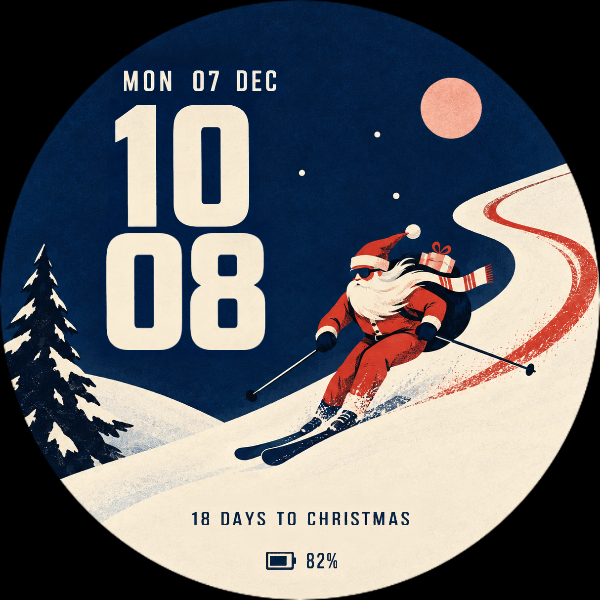 Artwork from the actual watch face.
Preview: Santa skiing in Alpine Original
Christmas / Vivid collection
Snow Club
Animated Christmas watch face for Wear OS
An animated Christmas watch face for round Wear OS displays, inspired by vintage alpine posters. Skiing Santa, four winter palettes and an optional December 25 countdown bring the scene to life. Choose full motion, snow only or still artwork.
4winter themes
3motion modes
Dec 25countdown
Get it on Google Play
One-time purchase · Local price shown on Google Play
On Google Play: Snow Club Christmas Watch Face
Watch the video preview ↓Need a hand? Installation guide · App privacy
Requires Wear OS 4 or later. Google Play checks your watch’s compatibility before purchase.
The little details
Included designs
and features.
Four winter palettes.
Choose Alpine Original, Moonlit Night, Nordic Pine or Frosted Dawn.
Motion, your way.
Full-scene motion, snow only, or still art. Tap Santa to replay a short animation when motion is enabled.
Count down to Christmas.
See the days until December 25, or hide the countdown for a simpler face.
Make the display yours.
Choose solid or outlined time, show or hide individual details, and select one of two always-on clock styles.
Watch the preview
Watch Santa take another run.
Tap Santa on the watch to replay the short skiing animation when motion is enabled.
Recorded in a Wear OS emulator. The circle marks a tap; time and watch data vary on your device. Playback has no sound.
Make yourself at home
Installation
and compatibility.
Install from Google Play, then make it yours.
Will these work with my Galaxy Watch or Pixel Watch?
These faces are for compatible Samsung Galaxy Watch, Google Pixel Watch and other Wear OS watches. The required version is listed on each product page: Wear OS 4 or later for some faces, Wear OS 5 or later for others. Check your connected watch on Google Play before buying.
How do I install a watch face?
Open the face’s Google Play listing, choose your compatible watch, and complete the purchase. After it installs, open your watch face gallery and select the new face. Long-press the face to find Edit or Customize; wording varies by watch.
Can I use them on an Apple Watch?
The current collection is for Wear OS. These faces do not work on Apple Watch or older Samsung watches running Tizen.
Where can I see the price?
The Google Play listing shows the current price for your country and account. Each watch face is purchased separately through Google Play.
A different kind of day
More watch faces to explore.
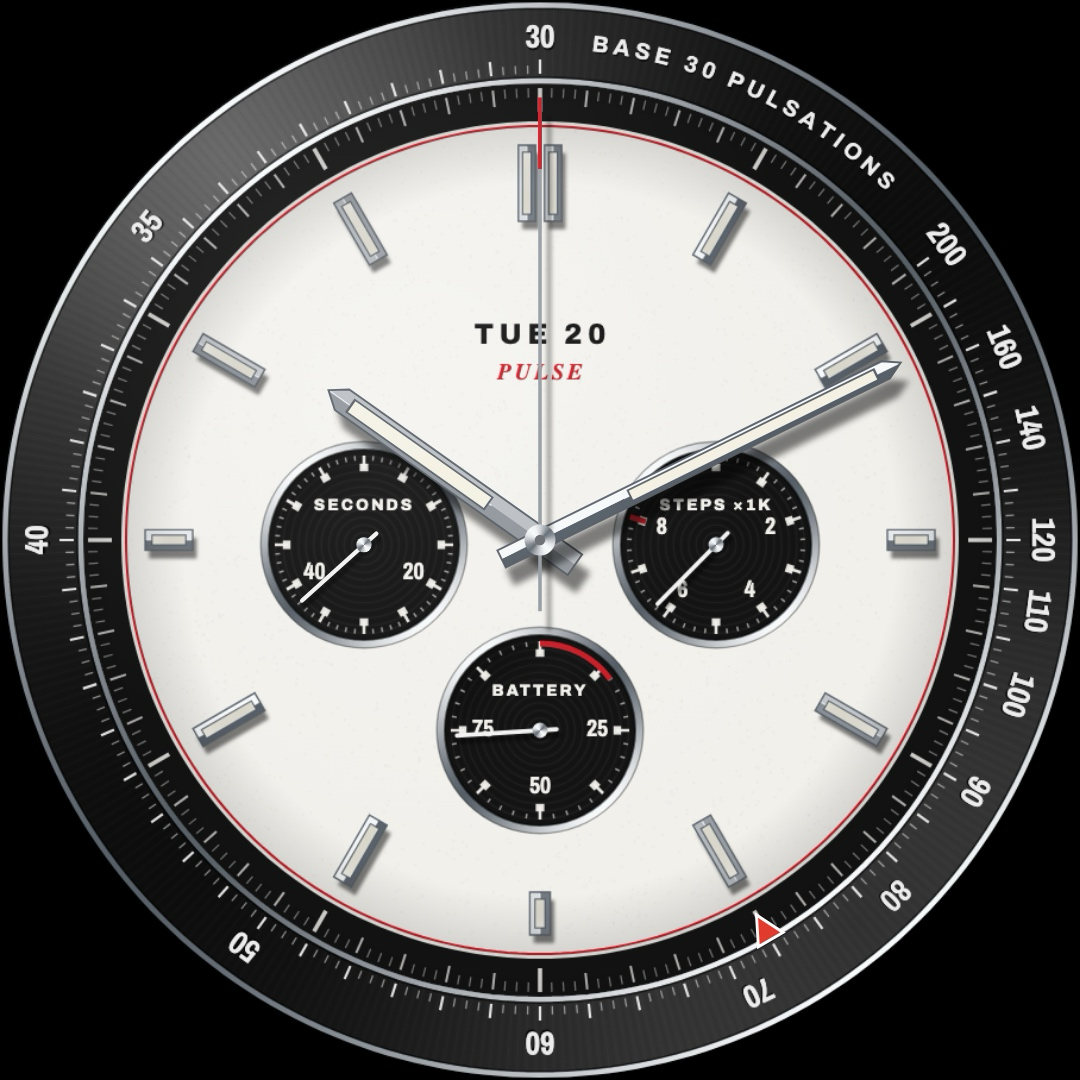
A panda chronograph-style dial with six colorways, three working subdials and luminous always-on hands.
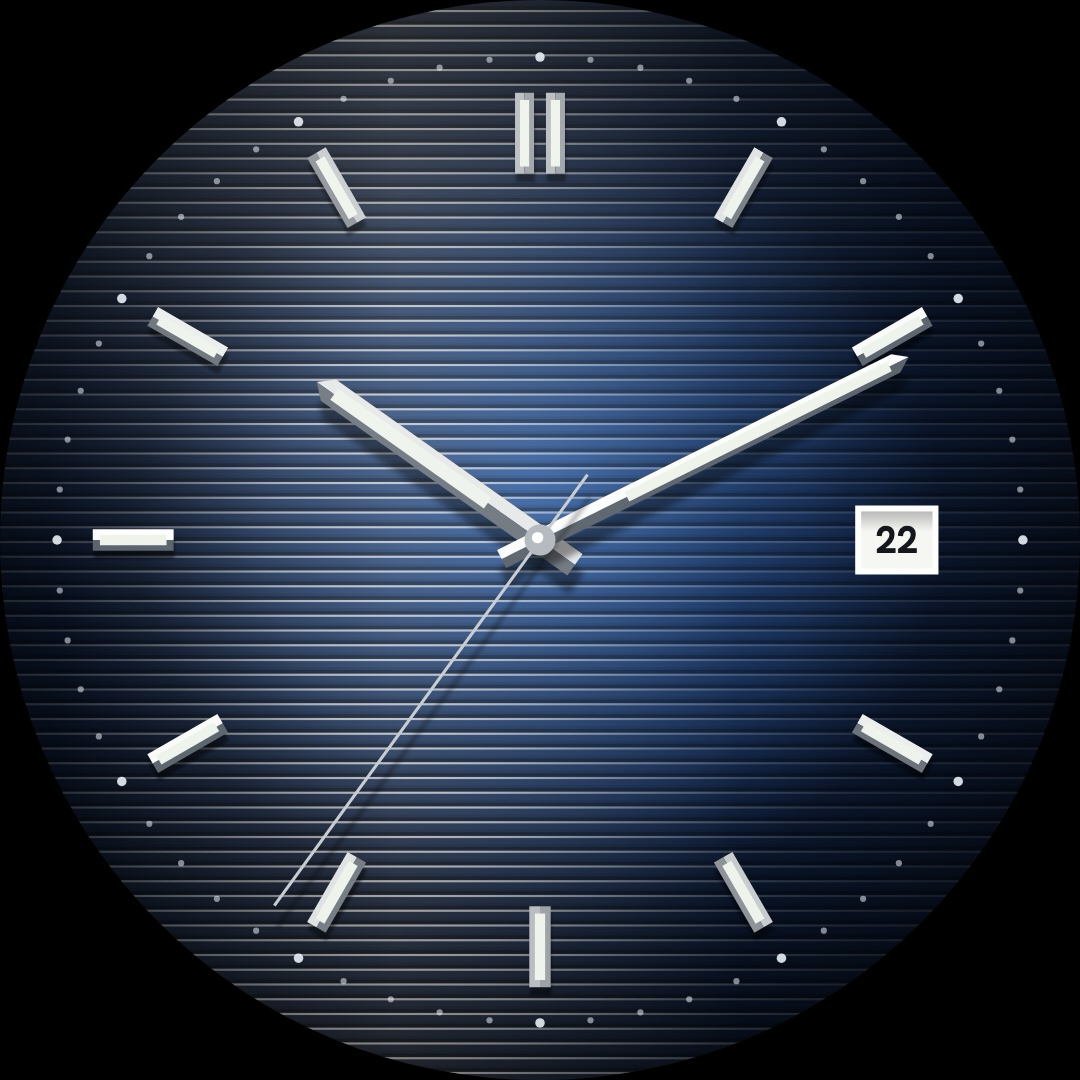
A striped analog dial with six colors, shifting daylight and daily data revealed with a tap.